






Your lithium batteries power everything from cameras and flashlights to smart locks and wireless gadgets. But how do you know when a battery is healthy, fading, or flat-out dead? You need the right testing tools — and not all of them cost a fortune.
Why Testing Lithium Battery Health Matters
Lithium batteries don't always tell you when they're dying. Unlike alkaline cells that gradually dim your flashlight, lithium batteries hold a steady voltage for most of their life and then drop off a cliff at the end. That flat voltage curve is great for device performance, but it makes it almost impossible to eyeball how much juice is left. You could have a battery that reads near full voltage but barely lasts ten minutes under load. That's where testing tools come in.

Whether you use single-use lithium batteries like CR123A or FR6 cells, or rechargeable lithium-ion packs in your gadgets, regular health checks help you catch problems early. We're talking about faded capacity, rising internal resistance, and degraded cells that drag down your device's performance. A battery that's lost 20–30% of its original capacity might still "work," but it won't last nearly as long as you expect — and that affects everything from your gaming sessions to your home security system.
Testing also keeps you safe. Lithium batteries that are swollen, over-discharged, or physically damaged can pose real risks. A quick check with the right tool can tell you whether a battery needs to be replaced or recycled before it becomes a problem. And if you're someone who stocks up on batteries for high-drain devices like digital cameras, motorized toys, and wireless speakers, knowing the state of your batteries saves you from unexpected dead-device moments.
The 7 Best Tools for Testing Lithium Battery Health
Here are the seven tools we recommend for anyone who wants to keep tabs on their lithium battery health — from simple household checkers to more advanced diagnostic gear.
1. Digital Multimeter
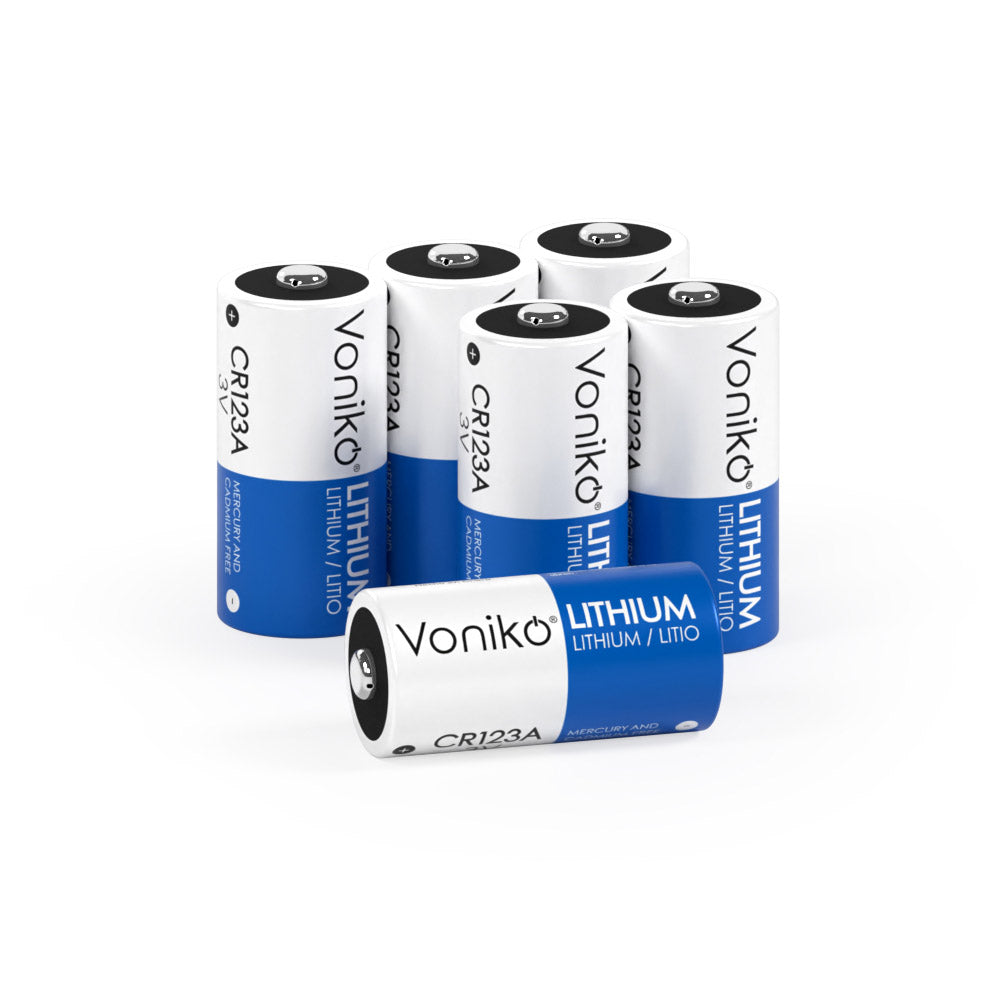
This is the most basic and most versatile tool in the battery-testing world. A digital multimeter measures voltage, and voltage is the fastest way to get a snapshot of where your battery stands. Set it to DC voltage, touch the red probe to the positive terminal and the black probe to the negative terminal, and you've got a reading in seconds. For a standard lithium-ion cell, a fully charged reading should sit around 4.2 volts, while the nominal "half-charge" state is around 3.6–3.7 volts. For single-use lithium cells like our Voniko CR123A (3V) batteries, a fresh cell reads just above 3 volts, and anything below 2.7V means it's time for a replacement. A decent digital multimeter costs anywhere from $15 to $50 and belongs in every household toolkit. Just remember — a voltage reading tells you the battery's charge level right now, but it doesn't reveal the full picture of long-term health.

2. Universal Battery Tester (Dedicated Checker)
If you don't want to mess with probes and voltage ranges, a dedicated battery tester is the grab-and-go option. These compact devices — like the popular D-FantiX or Dlyfull LCD models — test AA, AAA, C, D, 9V, coin cells, and more with a simple slot-and-read design. Most display results on an LCD screen or a color-coded analog gauge (green for good, yellow for low, red for replace). They apply a small load to the battery during the test, which gives you a more realistic picture than a no-load voltage check alone. Universal battery testers typically run between $8 and $20, making them one of the cheapest tools on this list. The trade-off is that they don't give you detailed data like capacity or internal resistance — just a quick good/weak/dead verdict. For most households, that's enough.
3. Battery Capacity Tester (Analyzing Charger)
This is where you step up to real health diagnostics. A battery capacity tester — sometimes called an analyzing charger — runs a full charge-discharge-charge cycle on your battery and measures exactly how many milliamp-hours (mAh) it actually delivers. That's the gold standard for knowing whether your battery still holds up. If a battery rated at 3000mAh only delivers 1800mAh during a capacity test, you know it's lost 40% of its original life. Models like the LiitoKala Lii-500 or Opus BT-C3100 are popular among hobbyists and tech enthusiasts. They handle multiple lithium-ion cell sizes and give you detailed readouts. Prices range from $25 to $80 depending on features and channel count. The downside is that capacity testing takes time — often several hours per battery — so it's not a quick-check tool. But for anyone who manages a stockpile of rechargeable lithium batteries, it's a must-have.
4. Internal Resistance Meter
Internal resistance (IR) is one of the best indicators of a lithium battery's true condition. As a battery ages, its internal resistance goes up, which means more voltage sag under load, more heat, and less usable power. An IR meter sends a brief AC or DC pulse through the battery and measures the opposition to current flow. Healthy lithium-ion cells typically show very low internal resistance — often under 100 milliohms for a fresh cell. As that number climbs, your battery is on a downward slide. Dedicated IR meters like the YR1035+ are popular for testing 18650 cells and other lithium-ion formats, and they give readings in seconds. Prices start around $30 and go up from there. One thing to know: modern lithium-ion batteries use additives that keep internal resistance low for most of their lifespan, so IR alone isn't always enough to catch early degradation. Pair it with a capacity test for the full story.
5. Battery Load Tester
A load tester takes things a step further than a simple voltage check by applying a real-world load to the battery and watching how it responds. You connect a load — either a built-in resistor or an external device — and monitor the voltage behavior as the battery delivers current. A healthy battery holds its voltage steady under load. A weak or degraded battery sees its voltage plummet quickly, revealing problems that a no-load voltage check would completely miss. Load testing is especially useful for larger lithium battery packs used in power tools, e-bikes, and backup systems. For household-size lithium cells, you can DIY a load test with a multimeter and a known resistor — just make sure you pick the right resistance value for the battery's voltage and current rating. Dedicated load testers range from $20 for basic handheld models to $200+ for professional-grade units.
6. Infrared Thermometer (Thermal Scanner)
Heat is one of the first warning signs that something is wrong with a lithium battery. Excess heat during charging or discharging can signal high internal resistance, internal short circuits, or other defects. An infrared thermometer — the kind you point at the battery and get an instant temperature reading — is a cheap and effective safety tool. You don't need a fancy thermal imaging camera (though those work great too). A basic IR thermometer costs $15–$30 and lets you spot hot spots on battery packs or individual cells. If a battery is running noticeably hotter than its neighbors in a multi-cell pack, that's a red flag. Thermal monitoring won't tell you your battery's capacity or voltage, but it adds a safety layer that the other tools on this list don't cover.
7. Battery Health Software and Apps
For rechargeable lithium-ion batteries inside laptops, phones, and tablets, software-based health monitoring is built right into the device. Apps like CoconutBattery (Mac), AccuBattery (Android), and the built-in Battery Health feature in iOS give you data on charge cycles, current capacity vs. design capacity, and overall battery health percentage — all without touching a probe. These tools track your battery's decline over time and alert you when capacity has dropped enough to warrant a replacement. On the desktop side, programs like BatteryCare and HWMonitor pull data from your laptop's battery management system and display it in an easy-to-read dashboard. The best part? Most of these tools are free. They won't help you test standalone lithium cells (like AA lithium or CR123A batteries), but for the rechargeable lithium-ion packs in your devices, they're the easiest way to keep an eye on health without buying any extra hardware.
How to Pick the Right Battery Testing Tool
With seven different tools to choose from, which ones do you actually need? That depends on what kind of batteries you use and how deep you want to dig into diagnostics.
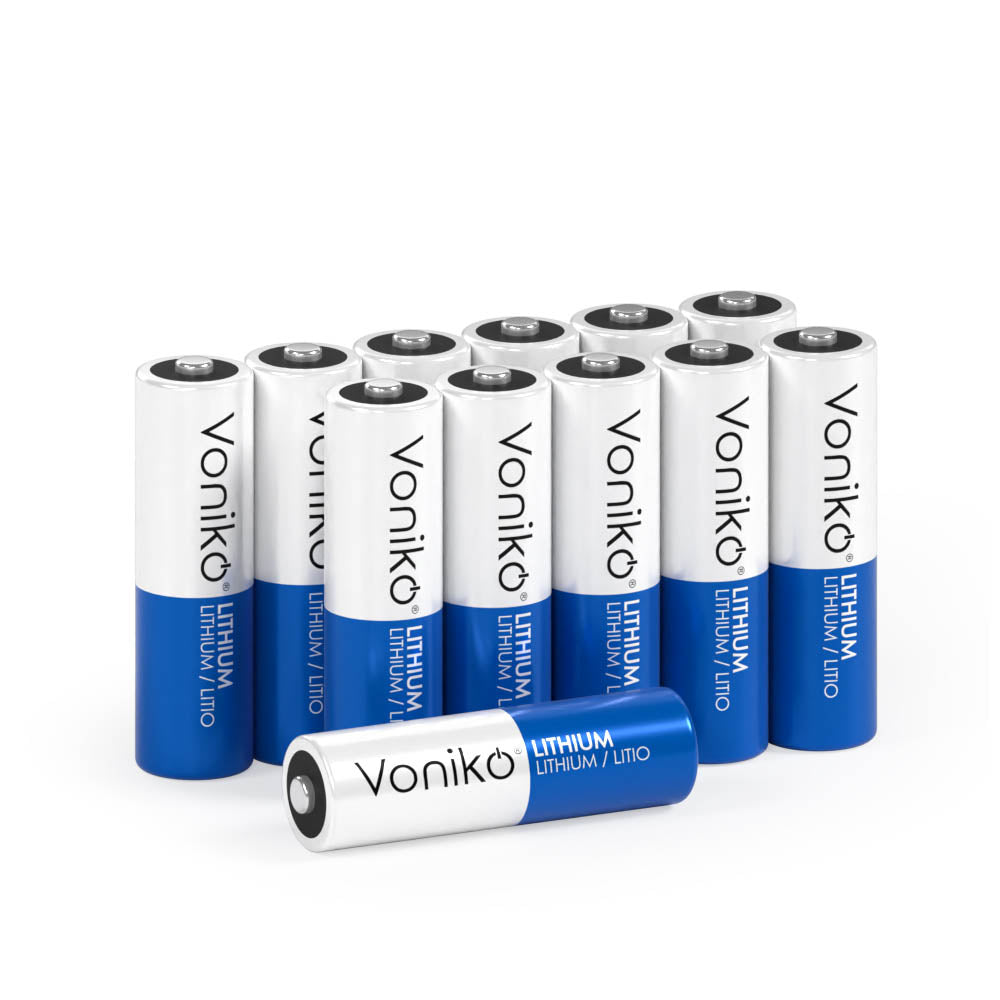
If you mostly use single-use lithium batteries — like our Voniko lithium AA, AAA, or CR123A cells — a digital multimeter and a universal battery checker are all you need. A quick voltage reading or a go/no-go check from a dedicated tester will tell you whether a battery has enough life left to get the job done. For single-use cells, capacity testing and IR measurement aren't practical because you can't recharge and re-test them. Just check the voltage, compare it to the expected range for that battery type, and move on.
If you use rechargeable lithium-ion batteries in flashlights, vape devices, power banks, or hobby gear, a capacity tester and an internal resistance meter become much more valuable. These tools help you sort good cells from faded ones, match cells for multi-cell packs, and decide when it's time to retire a battery from service. An analyzing charger that does both capacity testing and IR measurement in one unit gives you the best bang for your buck.
And no matter what batteries you use, an infrared thermometer is a smart safety addition. It's cheap, fast, and catches thermal problems that voltage and capacity tests can miss entirely.
Quick Comparison: Battery Testing Tools at a Glance
| Tool | What It Measures | Best For | Price Range |
|---|---|---|---|
| Digital Multimeter | Voltage, current, resistance | Quick voltage checks on any battery | $15–$50 |
| Universal Battery Tester | Good/Weak/Dead status under load | Fast household battery checks | $8–$20 |
| Battery Capacity Tester | Actual mAh delivered | Deep health checks on rechargeable cells | $25–$80 |
| Internal Resistance Meter | IR in milliohms | Detecting cell degradation | $30–$70 |
| Battery Load Tester | Voltage behavior under real load | Real-world performance testing | $20–$200+ |
| Infrared Thermometer | Surface temperature | Safety monitoring during charge/discharge | $15–$30 |
| Battery Health Software | Cycles, capacity %, SOH | Monitoring built-in device batteries | Free–$10 |
Signs Your Lithium Battery Needs Testing
You don't need to test every battery every day. But there are some clear signals that a check is overdue. If your device isn't lasting as long as it used to on a charge, that's the most obvious one. Shorter runtime means reduced capacity, and a capacity test will confirm it. If a device shuts down unexpectedly — especially when the battery indicator still shows charge remaining — that's a sign of voltage sag caused by rising internal resistance. A load test or an IR measurement will reveal what's going on.

Physical signs matter too. Any swelling, bulging, or deformation of a lithium battery means it's compromised and should be removed and recycled immediately — no testing needed. Likewise, if you see cracks in the casing, leaking fluid, or corrosion around the terminals, that battery is done. A visual inspection should always come before you connect any testing tool. Safety first.
For single-use lithium cells sitting in a drawer, age matters. Even though our Voniko lithium batteries are built for long shelf life, any battery that's been stored for years should get a quick voltage check before you drop it into an expensive device. This is especially true if the storage conditions weren't ideal — high heat and humidity can shorten shelf life even on quality cells.
Key data point: Research from multiple battery industry sources shows that the average lithium-ion battery loses about 20% of its original capacity after roughly 300–500 charge cycles. If you're cycling a rechargeable lithium battery daily, that means you could be looking at noticeable degradation within one to two years — and a capacity test is the only reliable way to measure it.
FAQs
Can you test a lithium battery with a regular battery tester?
It depends on the tester. Universal household battery testers that support 1.5V (AA, AAA) and 3V (coin cell) sizes will work fine for checking single-use lithium batteries like FR6 AA or CR2032 cells. But automotive-style battery testers designed for lead-acid chemistry will give you misleading or useless results on lithium batteries because they're calibrated for different voltage curves and discharge profiles. Always make sure your tester supports lithium battery types before you rely on the readings.
How do you know if a lithium battery is still good?
The quickest test is a voltage check with a multimeter. A healthy single-use 3V lithium cell (like CR123A) should read above 2.7V. A healthy lithium-ion cell (like an 18650) should read between 3.0V and 4.2V depending on its charge state. But voltage alone doesn't tell the whole story — a battery can show healthy voltage and still have faded capacity. For a full health picture on rechargeable cells, run a capacity test with an analyzing charger.
What voltage means a lithium battery is dead?
For a standard lithium-ion cell with a nominal voltage of 3.7V, anything below 2.5V generally means the battery is deeply discharged and possibly damaged beyond recovery. For single-use 3V lithium cells (CR123A, CR2032), a reading below 2.0V means the battery is functionally dead. For lithium AA batteries (FR6, 1.5V), readings below 1.0V signal the end of usable life. Always check the manufacturer's specs for the exact cutoff voltage of your specific battery.
Can a multimeter damage a lithium battery during testing?
No — a standard voltage test with a multimeter is completely safe. The multimeter draws an extremely small amount of current (microamps) to take its reading, which has zero meaningful effect on the battery. The one thing to avoid is measuring current (amps) directly across the battery terminals without a load in series, because that creates a short circuit and can damage both the battery and the meter. Stick to voltage and resistance measurements and you'll be fine.
How often should you test lithium battery health?
For rechargeable lithium-ion batteries you use daily (laptops, phones, power tools), checking health every 3–6 months gives you a solid trend line on capacity decline. For single-use lithium batteries in storage, test before use if the battery has been sitting for more than a year. For batteries in safety-related devices like smoke detectors and smart locks, test or replace on the schedule recommended by the device manufacturer — typically every 6–12 months.