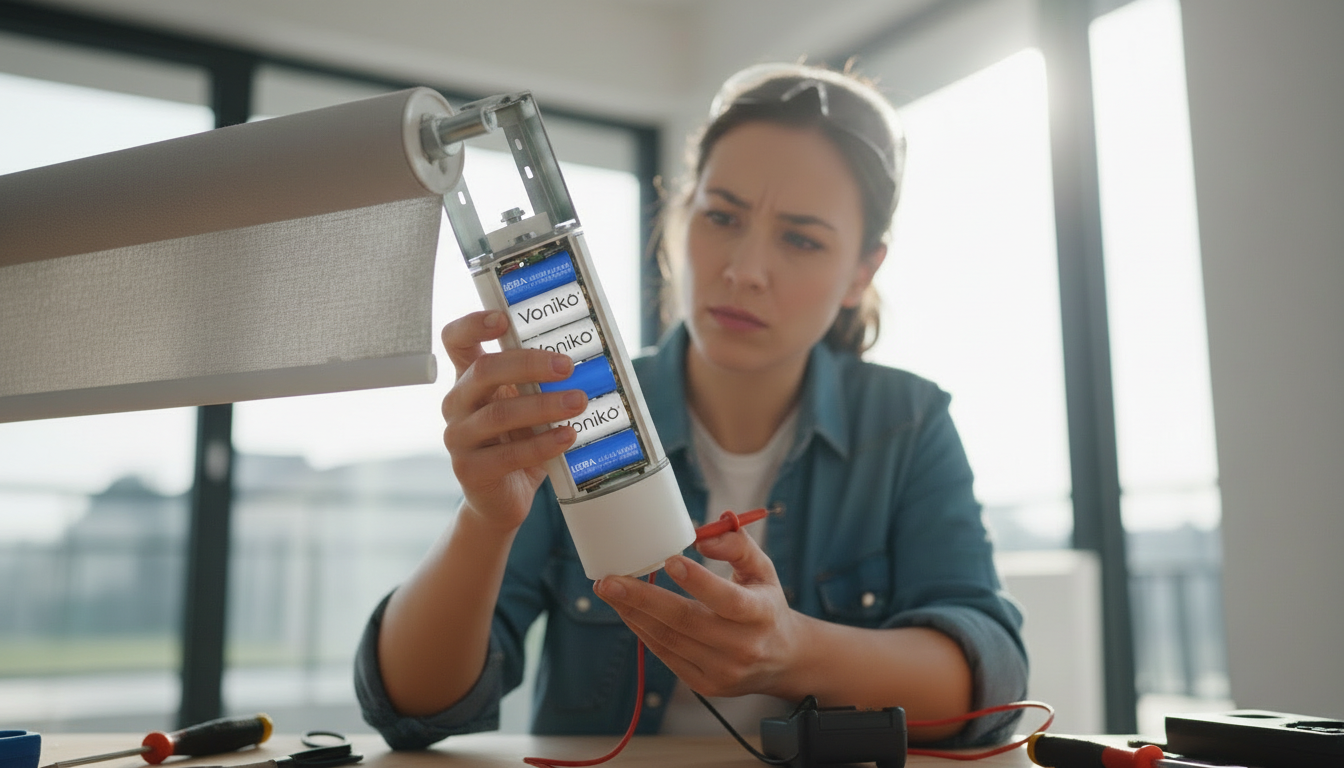

Ever opened the remote control only to find a white crusty mess around the batteries? We've been there. Battery corrosion is frustrating, but the good news is that you can fix it yourself in most cases. This guide walks you through cleaning battery corrosion from electronics safely—no special tools required.
What Causes Battery Corrosion in Electronics
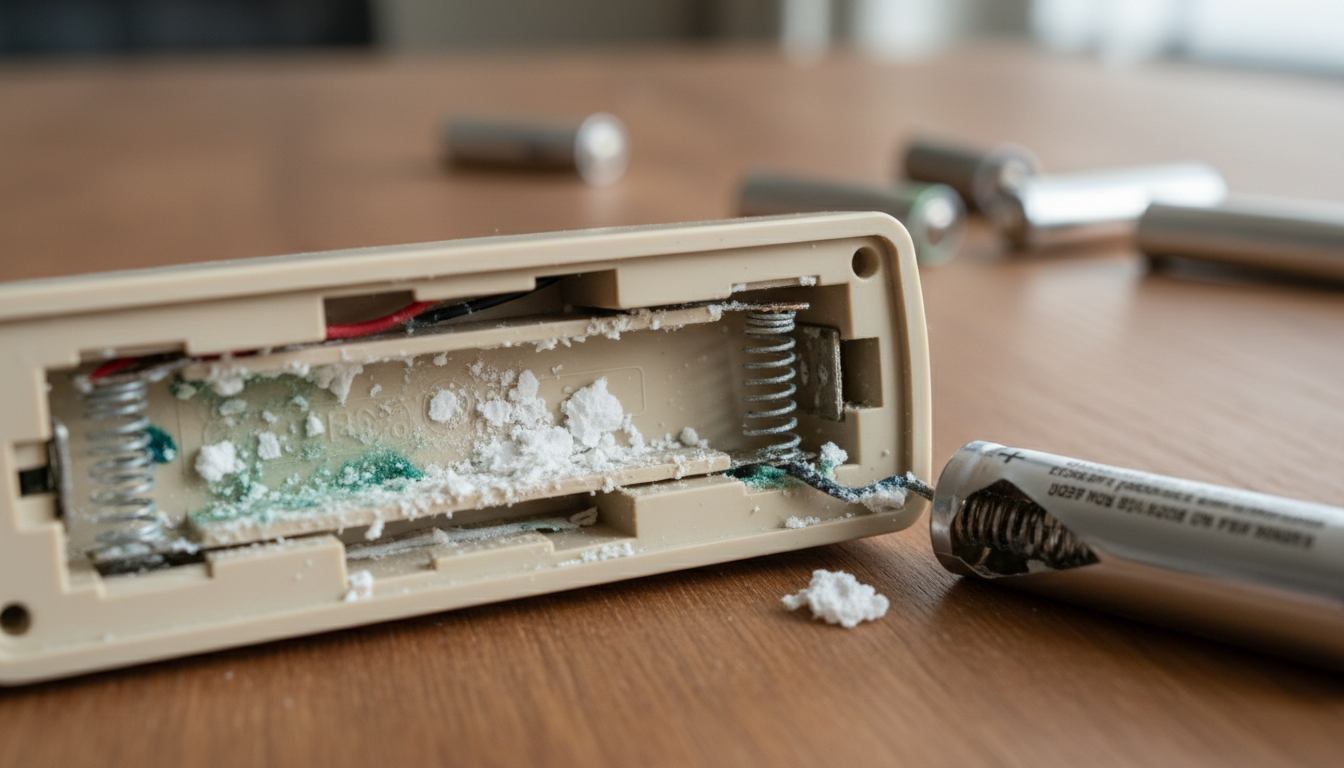
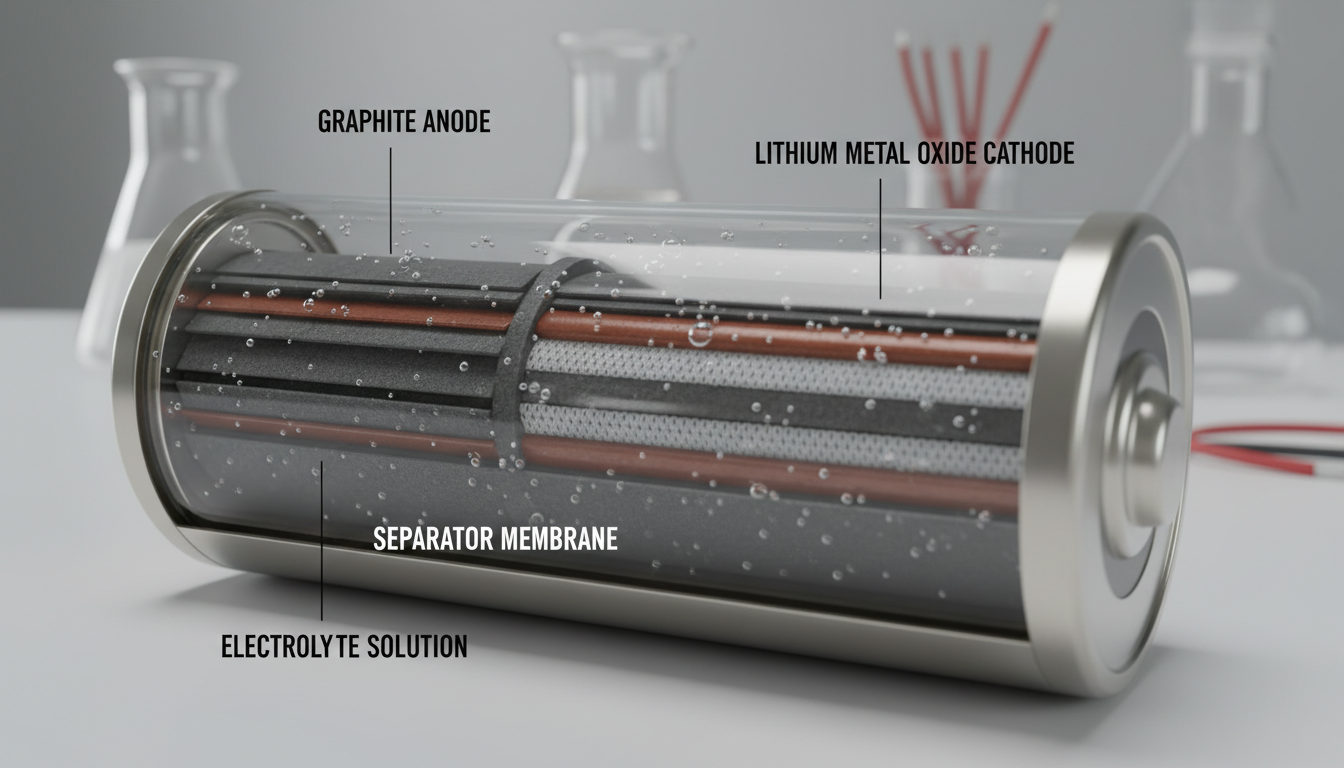
Battery corrosion happens when hydrogen gas builds pressure inside a battery and eventually breaks through the insulating seals. When alkaline batteries leak, they release potassium hydroxide. This substance reaches the open air and reacts with carbon dioxide to form potassium carbonate—that white powder that cakes on the battery's shell.
You'll typically find corrosion in products that are used infrequently, like children's toys, or in tools that use very little energy and don't require battery replacements often, like a remote control. Old batteries, excessive heat, and humidity all speed up this process. If you're dealing with battery-powered devices, quality batteries can make a difference in preventing leaks.
Safety First: Gear Up Before You Start
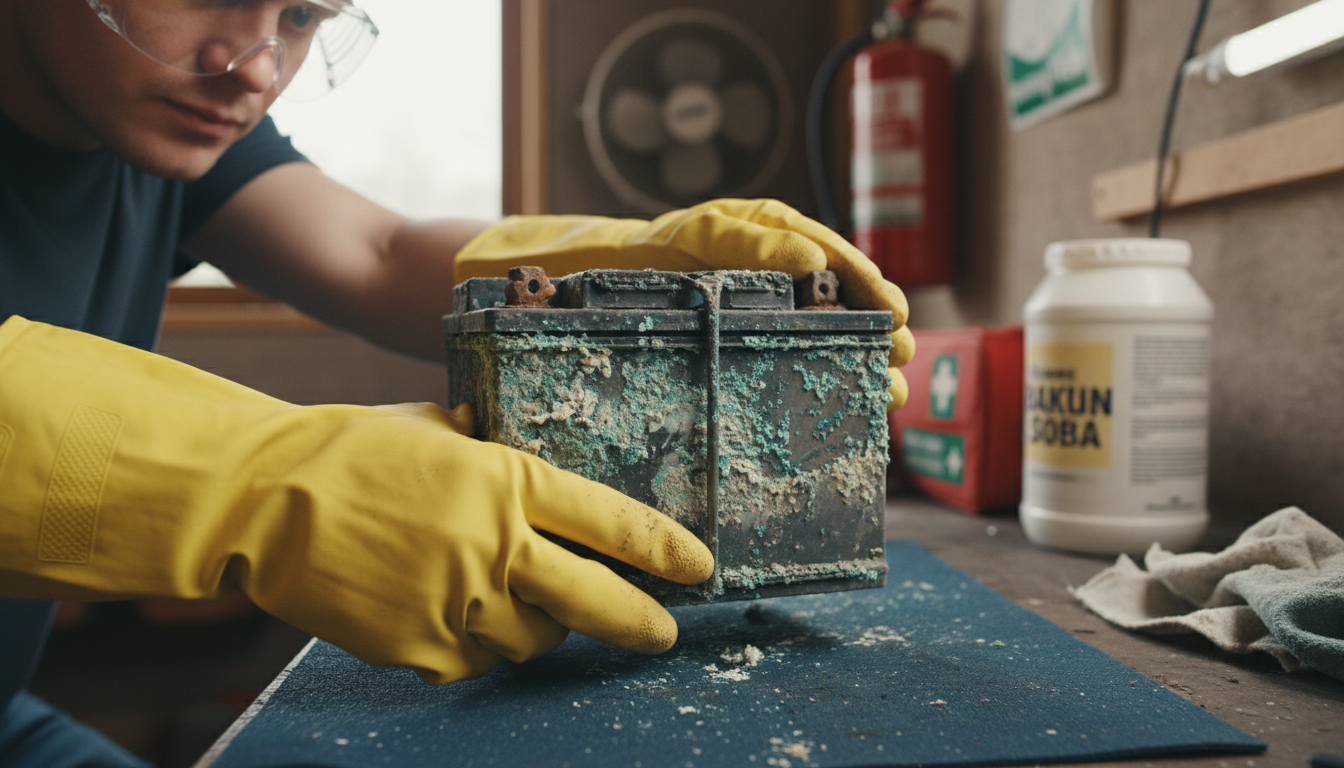
Battery acid and the corrosion that occurs when it leaks is highly toxic and caustic. Alkaline batteries leak potassium hydroxide, a substance that can cause serious eye damage and respiratory and skin irritation.
Before you touch anything, grab these safety items:
- Rubber or nitrile gloves to protect your hands
- Safety goggles to shield your eyes
- Face mask if there's heavy corrosion
- Well-ventilated workspace – open windows or work outside
Corrosion often contains acidic residues that can irritate or burn skin upon contact. Always wear gloves to shield your hands, and use safety goggles to protect your eyes from potential splashes. And here's something people often forget: take off any rings, watches, or metal things on your hands before starting.
Supplies You'll Need
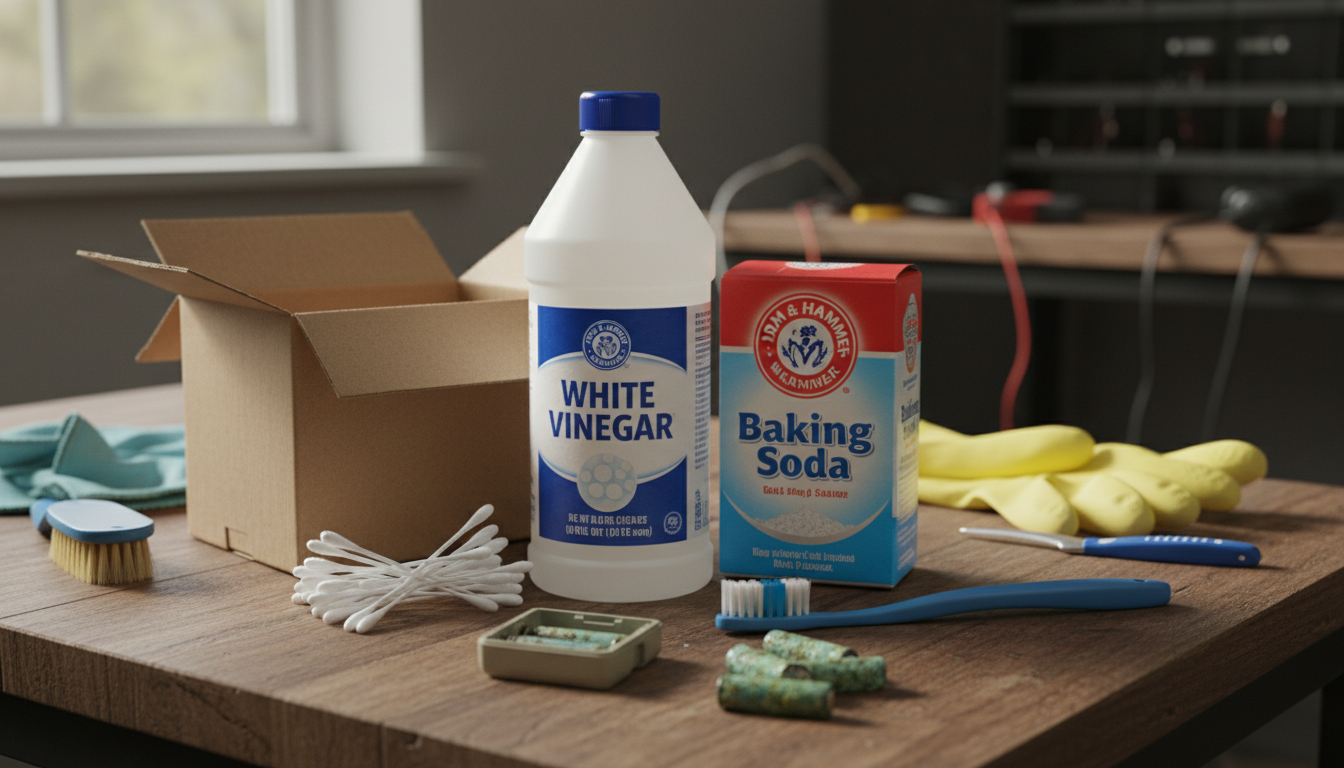
You probably have everything you need already:
- White vinegar or lemon juice (for cleaning)
- Baking soda (optional, for heavy buildup)
- Cotton swabs or soft toothbrush
- Paper towels or microfiber cloth
- Small bowl for mixing
- Isopropyl alcohol (70% or higher)
- Compressed air (optional, for tight spaces)
For devices using coin cell batteries or other specialty power sources, the same cleaning approach works. Just be extra gentle with smaller electronic contacts.
Step-by-Step Cleaning Process
Remove the Batteries
First, turn off your device and unplug it. Always wear rubber gloves and safety glasses. This keeps you safe from battery acid or potassium hydroxide. Use a small screwdriver to lift out the batteries. If they're stuck, use pliers carefully. Place corroded batteries in sand or kitty litter in a sealable plastic bag (use a separate bag for each battery). Call your city's household hazardous waste office to find out how to dispose of them.
Clean the Corrosion
Potassium hydroxide, the substance that leaks from alkaline batteries, is actually a base on the pH scale, which means it's best neutralized with an acid, such as vinegar or lemon juice. Using a cotton swab, dab a little vinegar or lemon juice on the corroded area, wait a minute or two, and then wipe away the crystalline corrosion from the battery contacts and other places in the battery compartment where it may have spread. For stubborn spots, try scrubbing with a toothbrush.
For really stubborn buildup, try this method: Sprinkle some baking soda over the corrosion to neutralize the battery acid. Dip an old toothbrush or cotton swab in vinegar or lemon juice so it's soaking wet, and dab it on over the baking soda. Let it fizz for a couple of minutes, then scrub the corrosion away and rinse with clean, water-soaked cotton swabs.
Final Polish and Dry
Dip a fresh swab into some rubbing alcohol and clean off any residue on the contacts or in the battery compartment. A pencil eraser can be helpful for polishing up surfaces. Dry with a microfiber cloth and blow away any fibers. Let the compartment dry completely before you put new batteries in.
When to Use Rubbing Alcohol
Yes, you can use rubbing alcohol to clean battery corrosion. Apply on a cotton swab, gently scrub corroded areas, and let it evaporate. While it's safe for cleaning electronics since it leaves no residue behind, it's less effective at neutralizing alkaline battery discharge compared to white vinegar or lemon juice.
Rubbing alcohol works best as a finishing touch after you've already neutralized the corrosion with vinegar. Isopropyl alcohol (70-90%) is useful for removing any residual grease or oil that might contribute to corrosion. It doesn't dissolve corrosion directly but works well as a finishing cleaner after other methods. It dries quickly and leaves no residue; safe for electronics when used correctly.
If you maintain devices powered by rechargeable batteries, regular cleaning with isopropyl alcohol can help keep contacts in top shape.
Preventing Future Battery Leaks
Don't use expired batteries. Don't mix old and new batteries or batteries of different brands, which can lead to performance problems or quicker decline. When replacing one battery in a compartment, go ahead and replace them all, using batteries of the same brand.
Make a habit of checking your electronics regularly and removing batteries when they're not in use for extended periods. This can help to prevent corrosion and keep your electronics in good working condition. Always use high-quality batteries and replace them before they're fully depleted.
Store batteries in a dry, cool place. Keep them away from moisture and high humidity. This stops rust and short circuits. Always store batteries at or below room temperature. Never store batteries in the refrigerator or freezer.
For peace of mind about battery safety, check out our guide on how to handle lithium-ion battery fires—better to be prepared.
Conclusion
Cleaning battery corrosion isn't complicated once you know what you're doing. Put on your safety gear, neutralize the corrosion with vinegar or lemon juice, scrub gently, and dry everything completely. Most electronics that looked dead can come back to life with a good cleaning.
The key takeaway? Don't wait. The longer corrosion sits, the more damage it causes to your device's contacts and circuitry. Catch it early, clean it safely, and you'll save money on replacements. And remember—switching to quality batteries from trusted brands like Voniko can reduce how often you deal with this mess in the first place.
FAQs
Can baking soda alone clean battery corrosion?
Yes, baking soda mixed with water creates a paste that neutralizes acidic corrosion. Mix about 2 tablespoons of baking soda with 1 tablespoon of water, apply to corroded areas with a toothbrush, scrub gently, then wipe clean. It works well for moderate corrosion but vinegar is better for stubborn buildup since it actively dissolves the crusty deposits.
Is battery corrosion dangerous to touch?
Yes, battery corrosion can irritate and burn your skin. The white powder is potassium carbonate (from alkaline batteries), which forms when potassium hydroxide reacts with air. It can cause chemical burns, eye damage, and respiratory irritation if inhaled. Always wear gloves and safety glasses when handling corroded batteries or cleaning affected devices.
Will Coca-Cola clean battery corrosion?
Coca-Cola can clean battery corrosion because of its acidic content (phosphoric acid). Pour a small amount on the corroded area, let it sit for a few minutes, scrub with a brush, then rinse and dry thoroughly. But baking soda and vinegar work better and won't leave sticky residue behind. Stick with household cleaners designed for this job.
How do I know if my device is too damaged to save?
Inspect the battery compartment closely. If you see severe damage to the metal contacts—like deep pitting, flaking, or contacts that have completely corroded away—the device might be beyond repair. Also check if corrosion has spread to the circuit board or wiring. If cleaning doesn't restore function after the contacts look clean, the internal circuitry may be damaged.
Can I prevent corrosion with petroleum jelly?
Yes, applying a thin layer of petroleum jelly or dielectric grease to clean, dry battery terminals creates a protective barrier against moisture and air. This works better for car batteries than small electronics. For household devices, your best prevention is simply removing batteries from items you won't use for more than a few weeks and storing them properly.