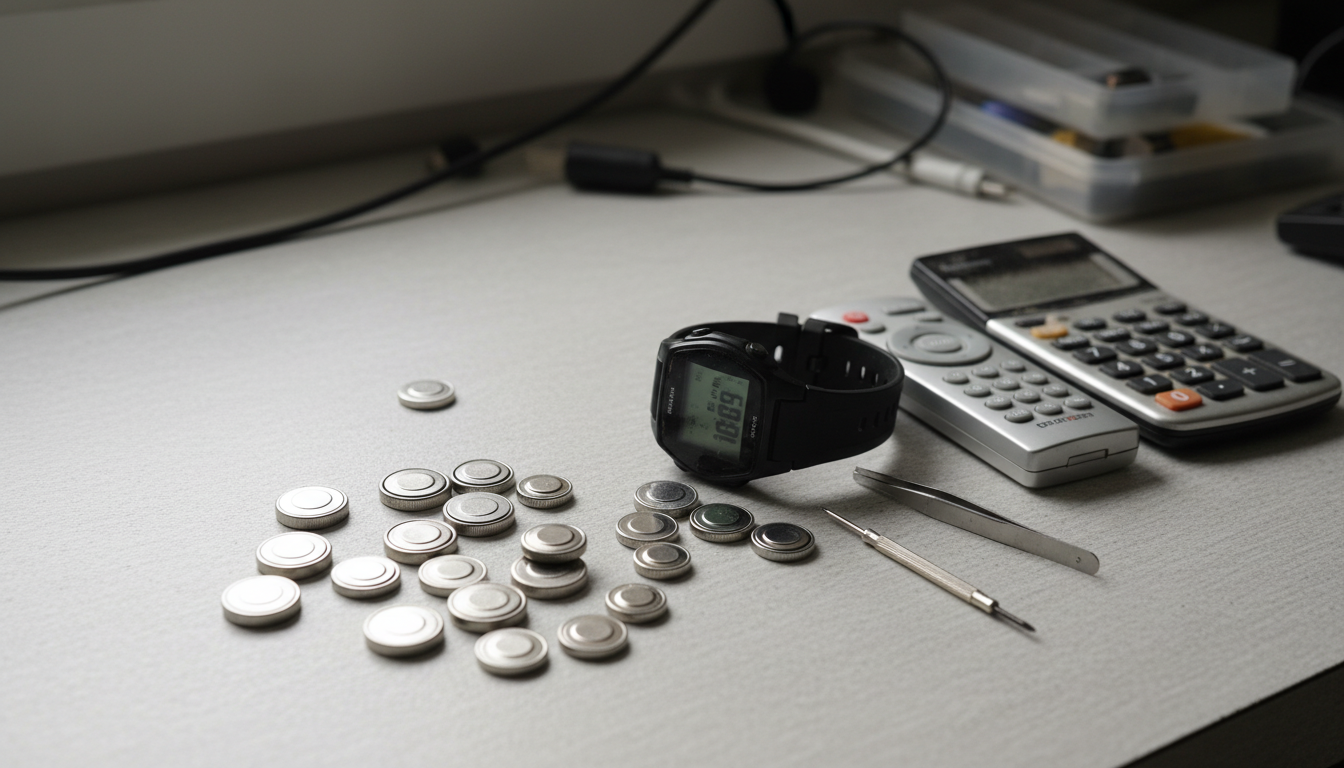















Got a device that's acting up and you're wondering if the coin cell battery is the culprit? You're not alone. We've seen countless people toss perfectly good batteries or struggle with dead ones because they didn't know how to test them properly. Testing a coin cell battery takes about 30 seconds if you know what you're doing.
The good news is you don't need fancy equipment. A basic digital multimeter does the job, and we'll walk you through exactly how to use it. Plus, we'll show you why just checking voltage isn't always enough—and what to do instead.
What You Need to Test a Coin Cell Battery
You'll need a digital multimeter, which you can pick up for around $10-20 at most hardware stores. That's it for the basics. Some folks like using dedicated battery testers, but honestly, a multimeter gives you more accurate readings.
If you want to get fancy, grab a small resistor (100-1000 ohms works well) for load testing. But don't worry—we'll explain that later.
Make sure your hands are clean before handling the battery. Oil and dirt can mess with your readings and potentially damage the battery terminals.
Set Up Your Multimeter Correctly
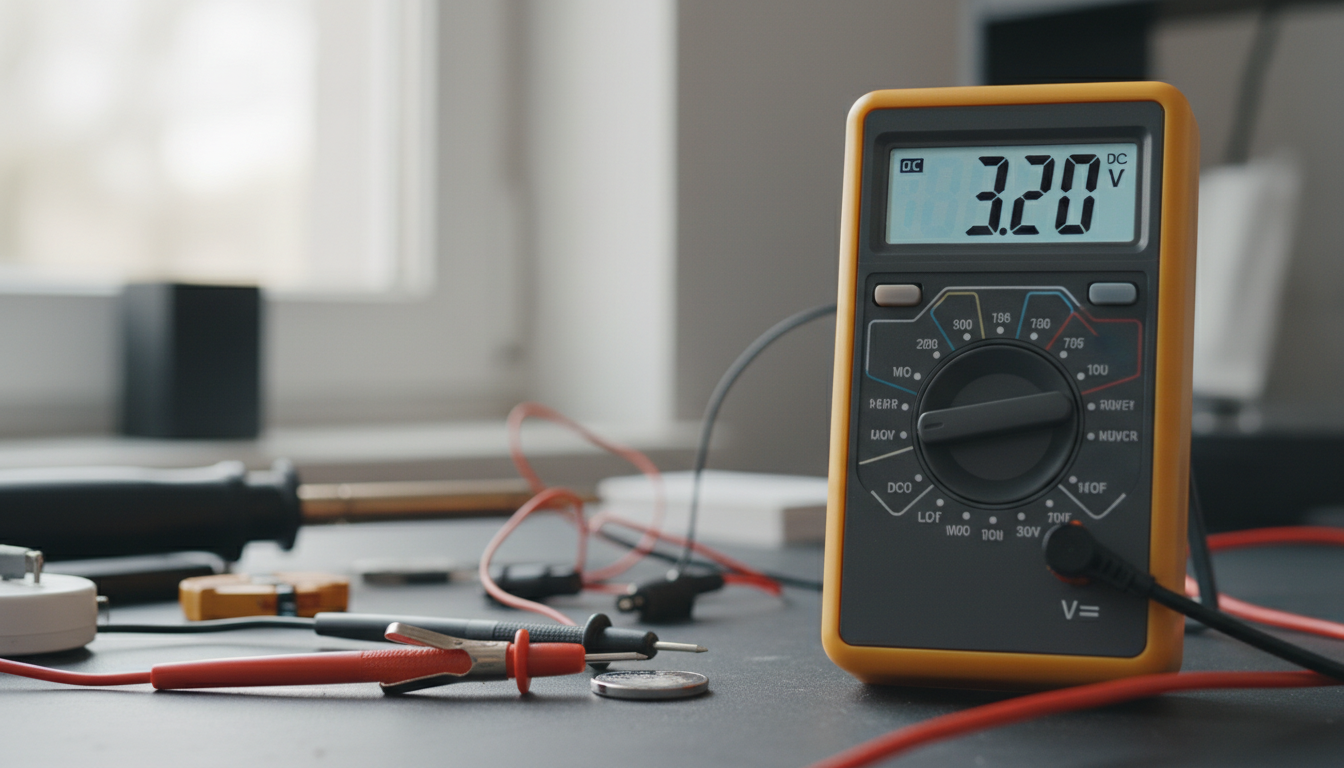
First, plug the black cable into the COM port on your multimeter. The red cable goes into the port labeled V, VΩ, or VΩmA—it varies by model.
Now turn the dial to DC voltage (look for V with a straight line and dashes, or just "DCV"). If your multimeter has multiple voltage ranges, set it to 20V. Autoranging multimeters? They'll figure it out for you.
Double-check that you're on DC and not AC voltage. AC won't damage anything, but you'll get weird readings that make no sense.
How to Check Voltage on Common Battery Types
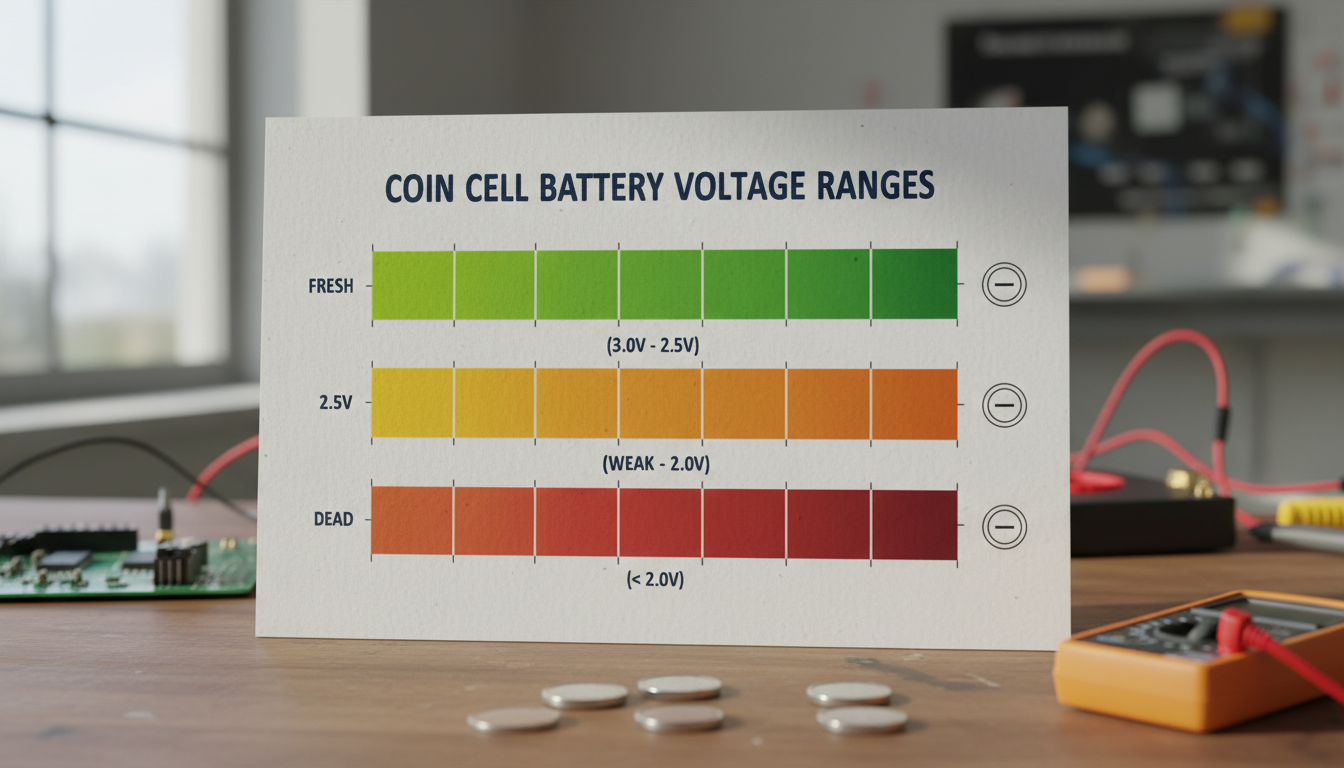
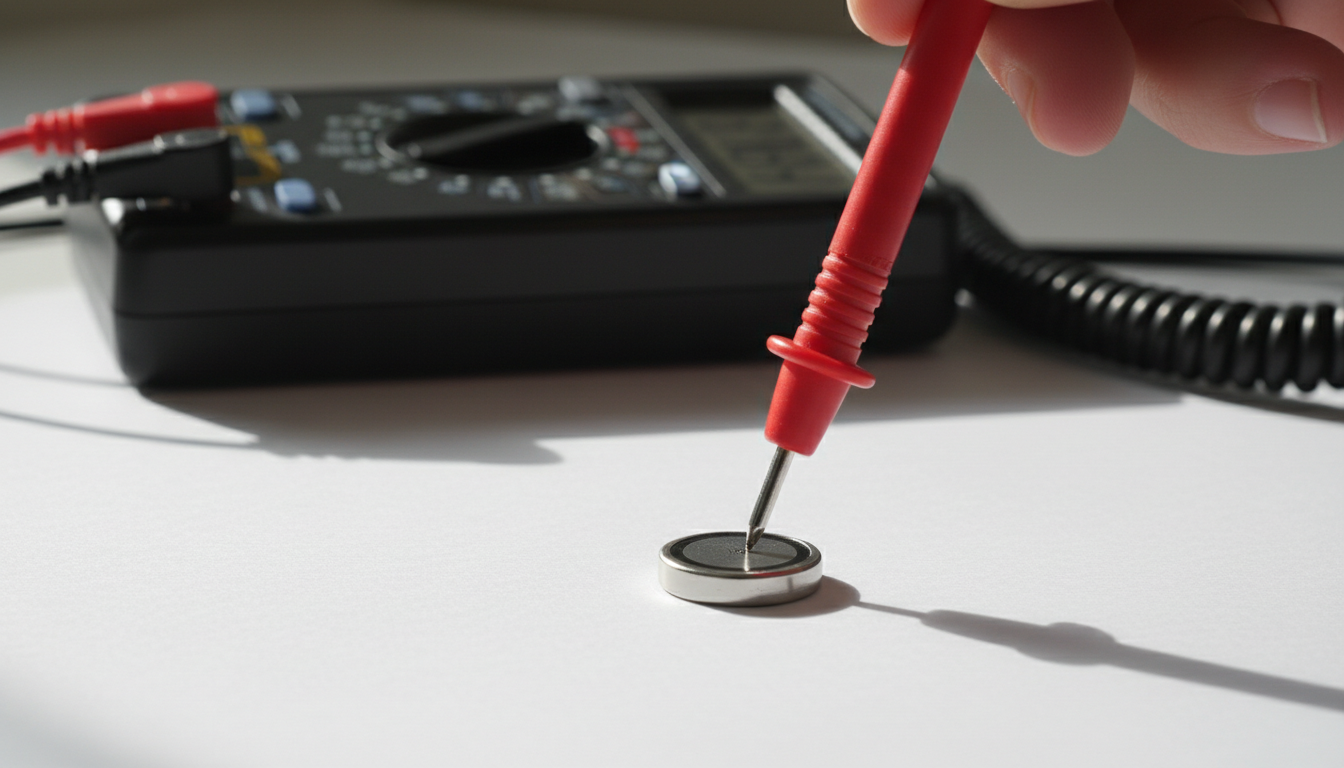
Time to actually test the battery. Place the black probe on the flat, negative side of your coin cell. The red probe touches the positive side—usually the one with a plus sign or brand marking.
For popular lithium coin cell batteries like CR2032 or CR2016, a fresh battery reads between 3.2V and 3.3V. Below 2.7V? It's dead. If you're seeing 3.0V, the battery might work but won't last long.
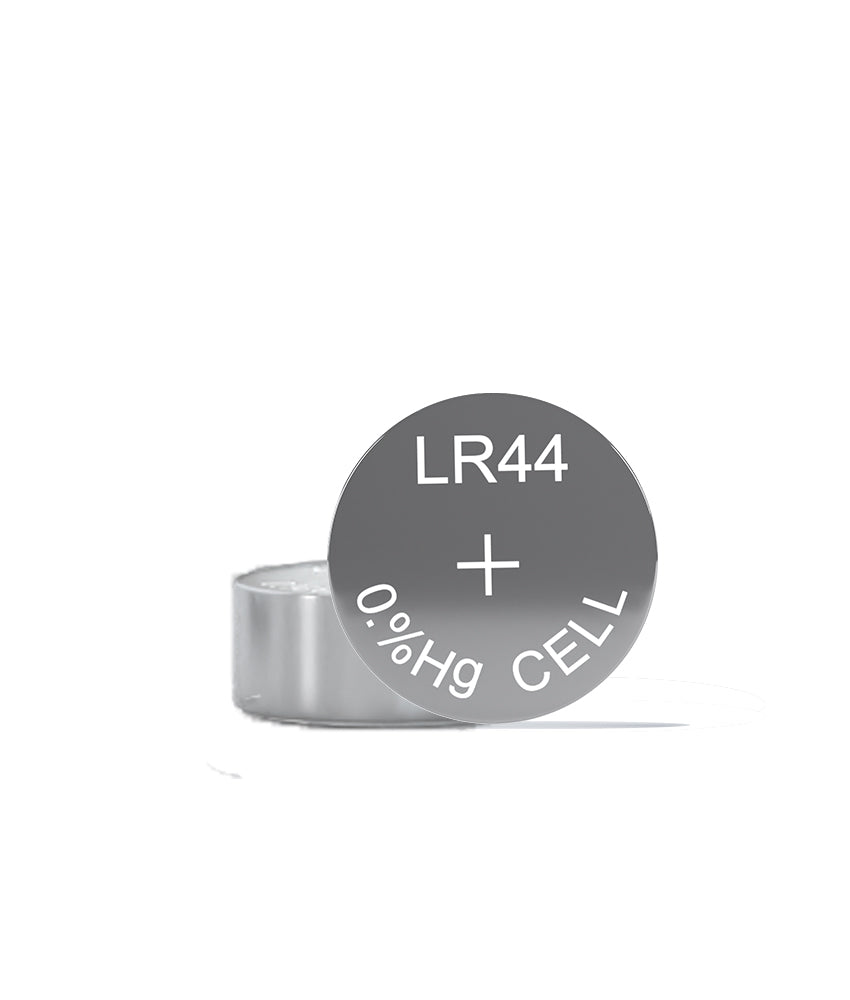
Alkaline battery coin cells like LR44 should measure around 1.5V when fresh. Replace them when they drop below 1.35V.
Silver oxide batteries also run at 1.5V nominal, with similar thresholds.
Why Load Testing Gives Better Results
Here's the thing: a battery can show 3V on your meter but still be useless. We've tested batteries that read perfectly fine sitting idle but died immediately when powering a device.
Load testing solves this problem. It checks how the battery performs when actually working, not just sitting there.
To load test, you'll need that resistor we mentioned earlier. A 100-ohm resistor works great for CR2032 batteries. Connect it between your multimeter probes and the battery—you can use alligator clips to make this easier. Now check the voltage. A healthy battery should hold above 2.8V under this light load. If it drops below that, replace it.
Some battery testers have built-in load testing. They'll show "Good," "Low," or "Replace" indicators, which is convenient but less precise than seeing actual voltage numbers.
Reading Your Results and Making Decisions
Let's break down what those numbers mean for lithium battery coin cells:
Above 3.2V: Battery is fresh and ready to go.
3.0V to 3.2V: Battery works but has lost some capacity. Fine for low-drain devices like remote controls or clocks.
2.7V to 3.0V: Battery is weak. May work in very low-power applications but will fail soon in most devices.
Below 2.7V: Battery is done. Time to recycle it properly.
Keep in mind that voltage readings can vary slightly based on temperature and how recently the battery was used. Let it rest for a few minutes before testing if it just came out of a device.
Common Testing Mistakes to Avoid
Don't test batteries while they're still in the device. The device's circuitry can affect your readings and you might not get an accurate measurement.
Watch out for short circuits. Never let both battery terminals touch metal objects at the same time—it can damage the battery or even cause it to overheat.
Testing in extreme temperatures throws off your readings. Room temperature (around 68-77°F) gives the most accurate results.
And here's one people miss all the time: they test once and call it done. If you're unsure about a reading, test again. Probe placement matters, and sometimes you don't get good contact on the first try.
When to Replace vs. Reuse Batteries
Just because a battery tests low doesn't mean you should toss it immediately. Got a low-drain device that barely uses power? A battery reading 2.8V might last months in there.
But for anything that needs consistent power—car key fobs, medical devices, garage door openers—swap it out once it drops below 3.0V. The risk of unexpected failure isn't worth the couple bucks you'd save.
Never try to recharge standard coin cells. They're not designed for it and can leak or explode. Only rechargeable coin cells (usually labeled LIR instead of CR) can handle charging.
Conclusion
Testing a coin cell battery is straightforward once you know the process. Set your multimeter to DC voltage, place your probes on the battery terminals, and check the reading. For lithium coin cells, anything below 2.7V means replacement time.
Load testing gives you the real story about battery health, especially for batteries that show decent voltage but still don't work properly. It takes an extra minute but can save you from replacing batteries that still have life left.
The whole process takes less time than driving to the store for a replacement battery. And now you'll know for sure whether you actually need a new one.
FAQs
Can you test a coin cell battery without a multimeter?
You can use a dedicated battery tester designed for button cells, which often shows a simple good/bad indicator. Some people try the "drop test" (dropping the battery to see if it bounces), but that's unreliable and we don't recommend it. A cheap multimeter is your best bet for accurate results.
Why does my coin cell battery show 3V but my device doesn't work?
The battery likely can't handle the load your device requires. An unloaded voltage test only shows resting voltage, not how the battery performs under actual use. Try load testing with a resistor—you'll probably see the voltage drop significantly, revealing the battery is actually depleted.
How often should I test coin cell batteries in my devices?
For devices you use daily, test annually or when you notice performance issues. For backup systems like BIOS batteries in computers, check them every 2-3 years. Remote controls and key fobs will usually tell you when batteries are dying by reduced range or slower response—that's when to test.
What's the difference between testing lithium and alkaline coin cells?
The main difference is voltage thresholds. Lithium coin cells (CR prefix) run at 3V nominal and are dead below 2.7V. Alkaline coin cells (LR prefix) run at 1.5V and should be replaced below 1.35V. The testing process itself is identical—just adjust your expectations for the voltage readings.
Can a coin cell battery that tests good suddenly fail?
Yes, especially if it only passed an unloaded voltage test. Batteries can develop high internal resistance as they age, meaning they show decent voltage when idle but can't deliver current when needed. That's why load testing is more reliable for predicting actual battery performance in your devices.