


Your computer won't boot, the date keeps resetting, and you're getting weird error messages. Sound familiar? There's a good chance your computer's coin cell battery just died. These tiny power sources keep your BIOS settings and system clock running when your PC is off, but they don't last forever.
We'll walk you through everything you need to know about choosing the best coin cell battery for your computer—from understanding which battery type you need to picking a reliable brand that won't die on you in six months.
What Coin Cell Batteries Do Computers Use?
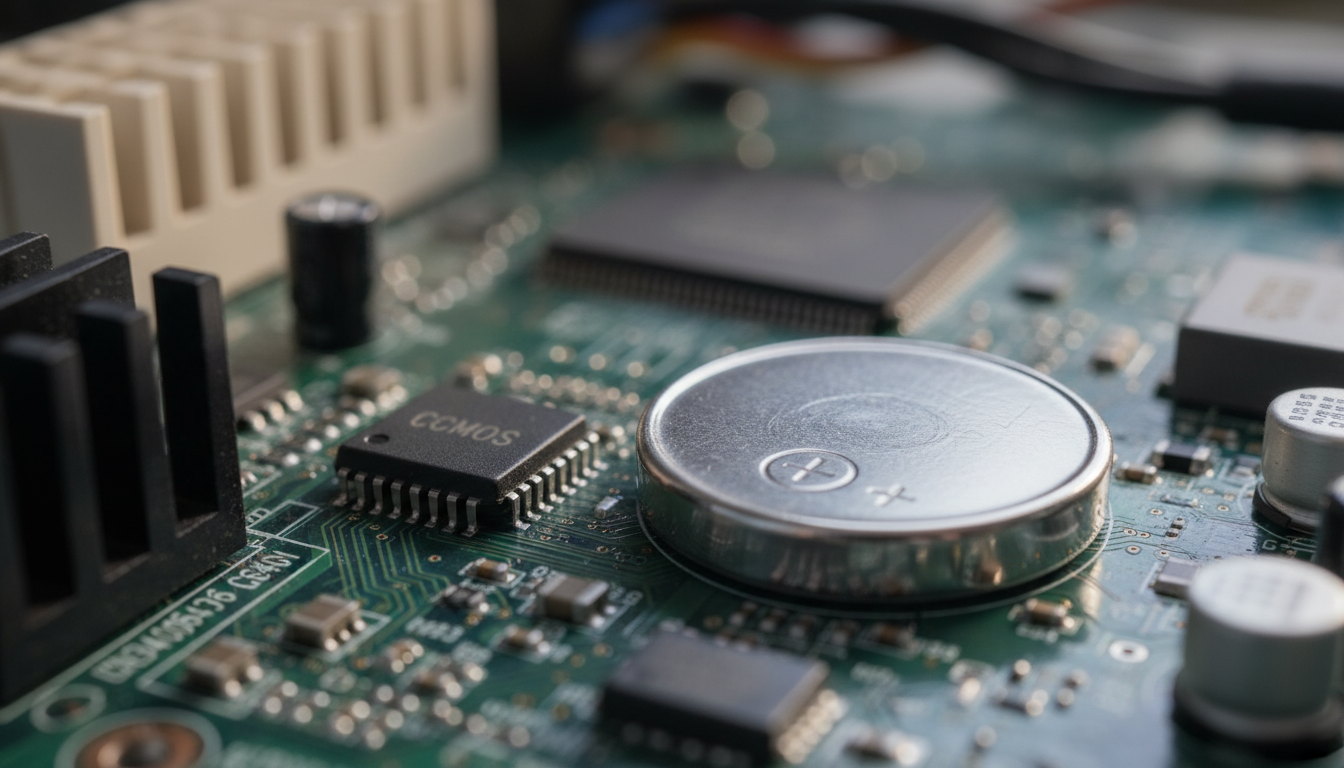
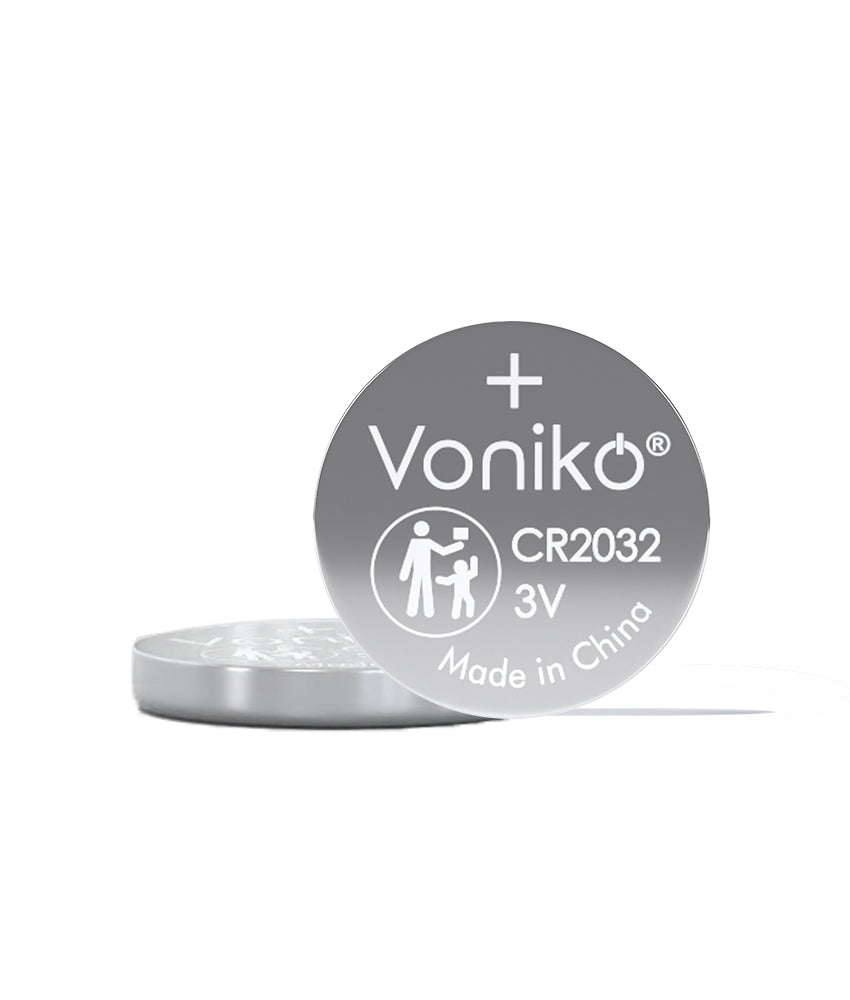
Most desktop motherboards use the CR2032 battery model, and it's been the standard for years. This little silver disc sits on your motherboard and powers the CMOS chip that stores your BIOS configuration and keeps track of time.
The CR2032 is a lithium coin cell battery measuring 20mm in diameter and 3.2mm in height. The numbers aren't random—they tell you the exact dimensions. The "20" means 20mm across, and "32" means 3.2mm thick. You'll find these in nearly every desktop PC made in the last couple decades.
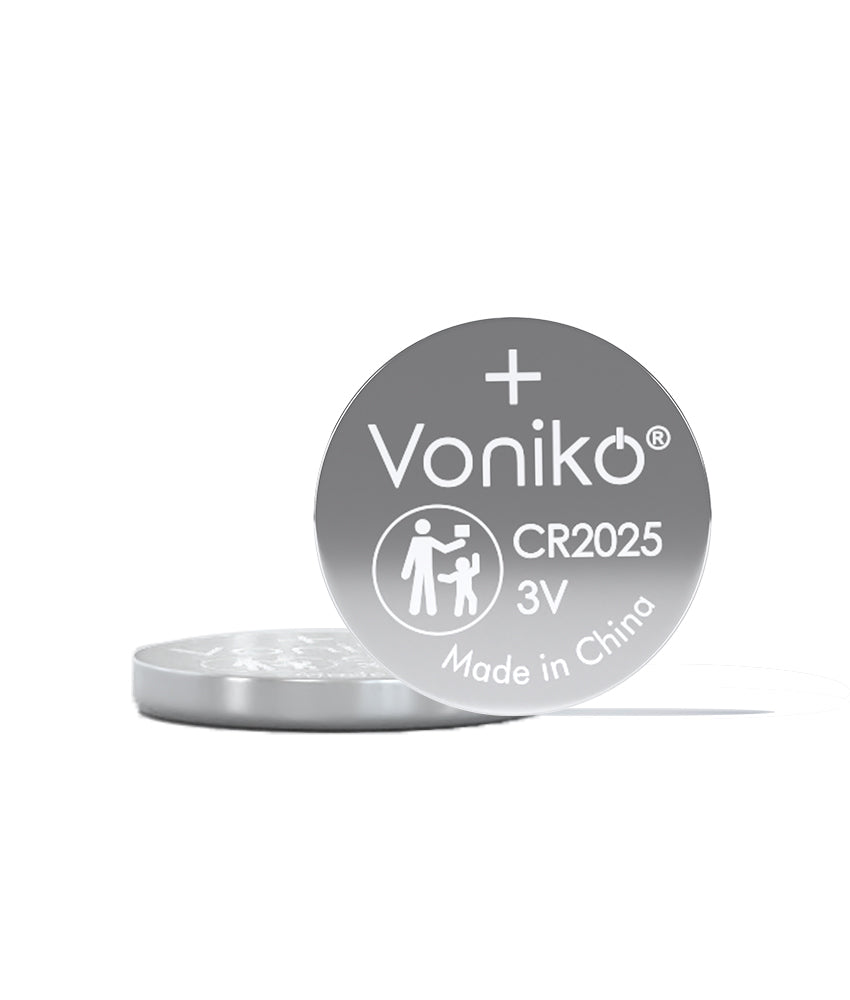
Some manufacturers occasionally use CR2025 batteries instead, which are slightly thinner at 2.5mm. The CR2016 has half the life of a CR2032, so if you're buying a replacement, go with the CR2032 if it fits your motherboard.
Explore our lithium coin cell batteries for reliable computer power solutions.
Top Coin Cell Battery Brands for Computers
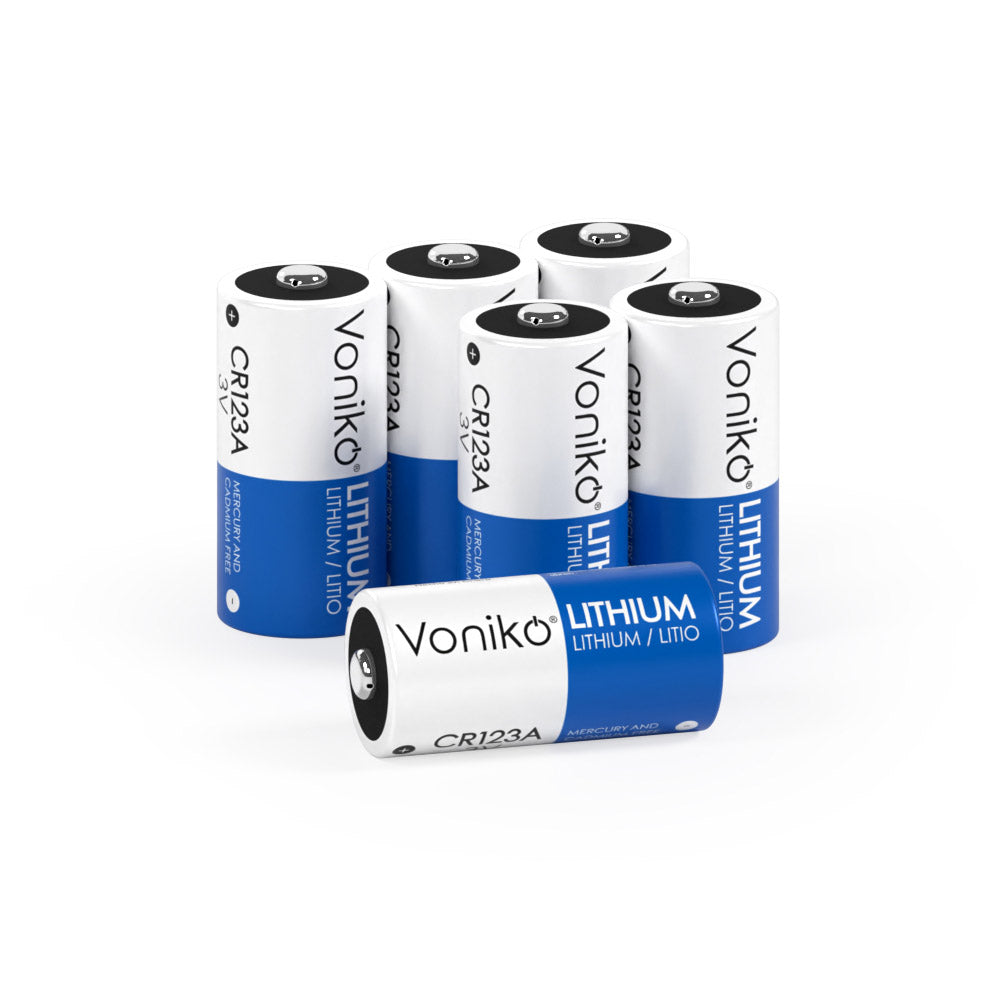
There is a huge difference in capacity between well-known brands like Voniko, Energizer, Panasonic, Rayovac, Sanyo, and Varta compared to off-brands or no-names. Brand matters more than you'd think with these batteries.
Brands like Energizer and Voniko are known for reliable performance in high-demand scenarios, and Consumer Reports has consistently rated these brands highly for performance. We recommend sticking with these trusted names.
Duracell offers batteries with a bitter coating to prevent kids and pets from swallowing them. They come in child-resistant packaging and each 3-volt battery can last up to 10 years.
Energizer and Voniko both deliver consistent voltage and long shelf life. Voniko batteries are up there in quality and widely available at most electronics stores.
Never buy off-brand or store brand batteries as they can be made in China or Indonesia with inferior quality and possibly dangerous materials. The few bucks you save aren't worth having your CMOS battery die in a year or risk leakage on your motherboard.
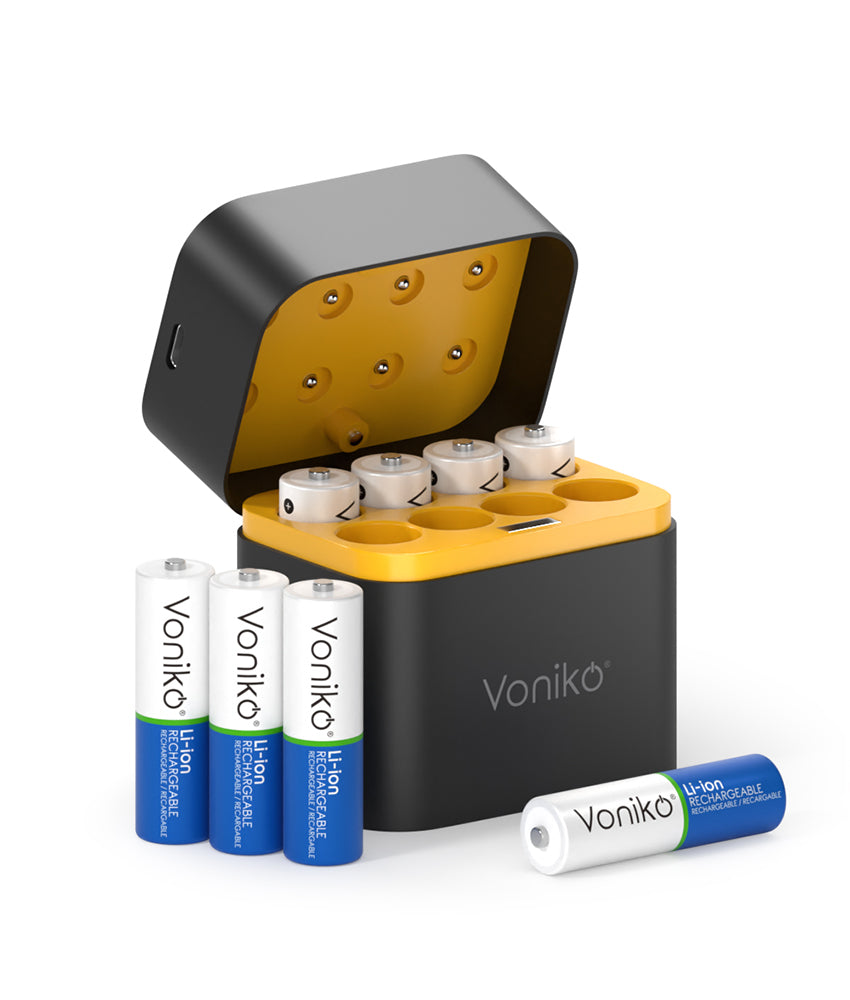
Check out Voniko batteries for quality household battery options, including coin cells for your computer needs.
CR2032 vs CR2025: Which One for Your Computer?
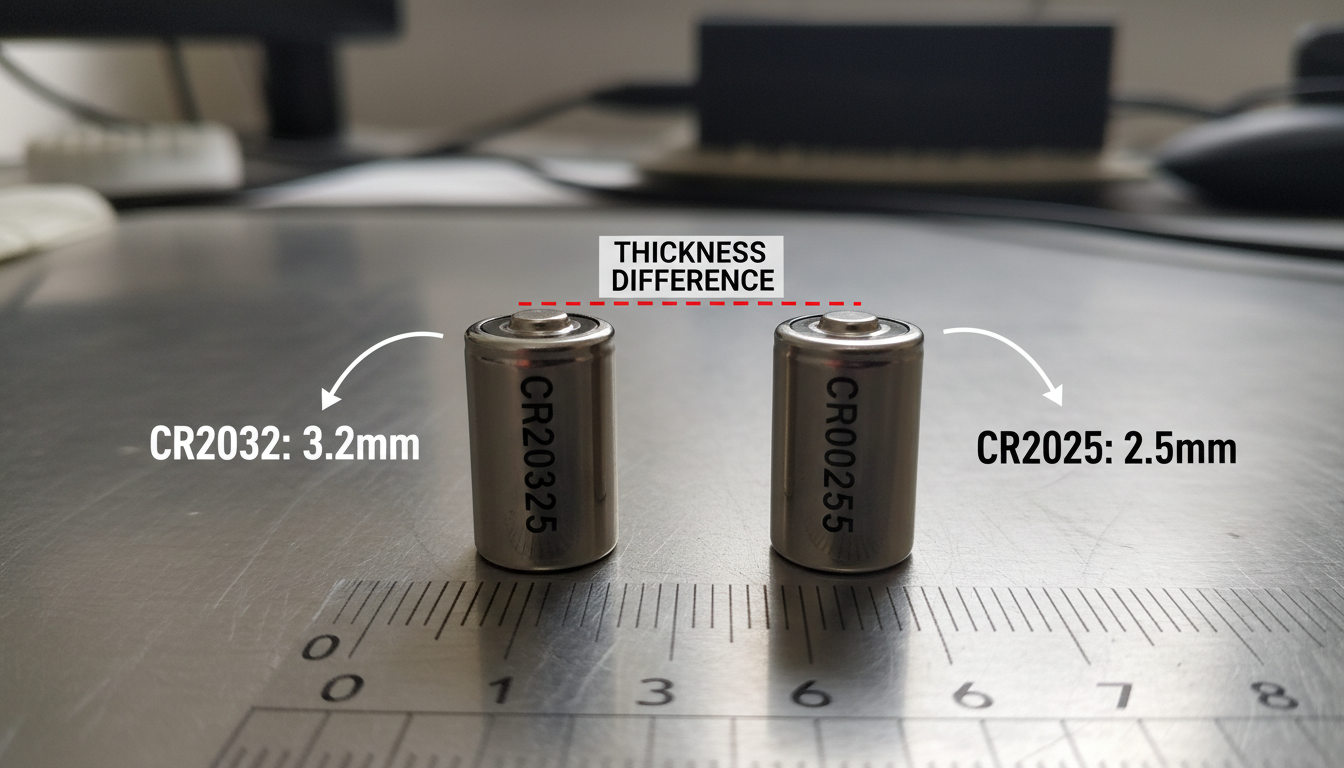
Both are 3V lithium coin cells, but CR2025 is 2.5mm thick with about 160mAh capacity while CR2032 is 3.2mm thick with around 220mAh capacity. That thickness difference matters.
The CR2025 will not last as long, having a capacity of about 160 mAh vs 225 mAh for the CR2032. You're looking at roughly 30-40% shorter battery life if you use a CR2025 instead of a CR2032.
In modern computers you'll most likely find the CR2032 coin battery model, which can last 5 years or more as its main purpose is to keep BIOS settings even when the computer is unplugged.
Some people try using a CR2025 in place of a CR2032 when they're in a pinch. The 0.7mm thickness difference may cause poor contact in some devices, and some users place a small piece of aluminum foil with a CR2025 to fill the gap when substituting for a CR2032, though this isn't recommended for long-term use.
Just buy the right battery for your board. Check what's installed now and replace it with the same model.
How Long Do Computer Coin Cell Batteries Last?
Coin cell batteries like the CR2032 typically provide 5-7 years of shelf life when stored at normal room temperature, and when stored in a cool dry environment at 50-77°F, they retain 90%+ of their charge for up to 7 years.
But that's shelf life—how long they last sitting in a drawer. CMOS battery life varies based on usage and environment of the computer, usually around 2-3 years when actively powering your motherboard.
The average lifespan of CMOS batteries is 3 to 10 years, and if you use your computer more often, the battery will last longer because your PC's power supply takes over when the system is plugged in.
In low-drain applications like watches or computer motherboards, a lithium coin cell can last 5-7 years depending on the specific model. Computer motherboards are about as low-drain as it gets, so you'll squeeze good life out of a quality battery.
Heat kills batteries faster. High heat at 122°F+ doubles the self-discharge rate, cutting storage life to 3-5 years. If your computer runs hot or sits in a warm room, expect shorter battery life.
Learn more about battery lifespan in our guide on what coin cell batteries are used for.
Signs Your Computer Battery Needs Replacing
The time and date on your computer are constantly wrong, you're unable to connect to the internet due to an error about time and date not matching, you hear a constant beeping sound, or you get CMOS Checksum Error, CMOS Read Error, or CMOS Battery Failure Error messages.
When the PC is powered off, the CMOS battery maintains the CMOS settings, which is why if the battery is dead, when the PC is powered on you find the time is incorrect or it may request that you go through setup in the process of booting.
If your computer has trouble booting up, your drivers disappear, or the date and time on your laptop are inaccurate, it means your CMOS battery is expired.
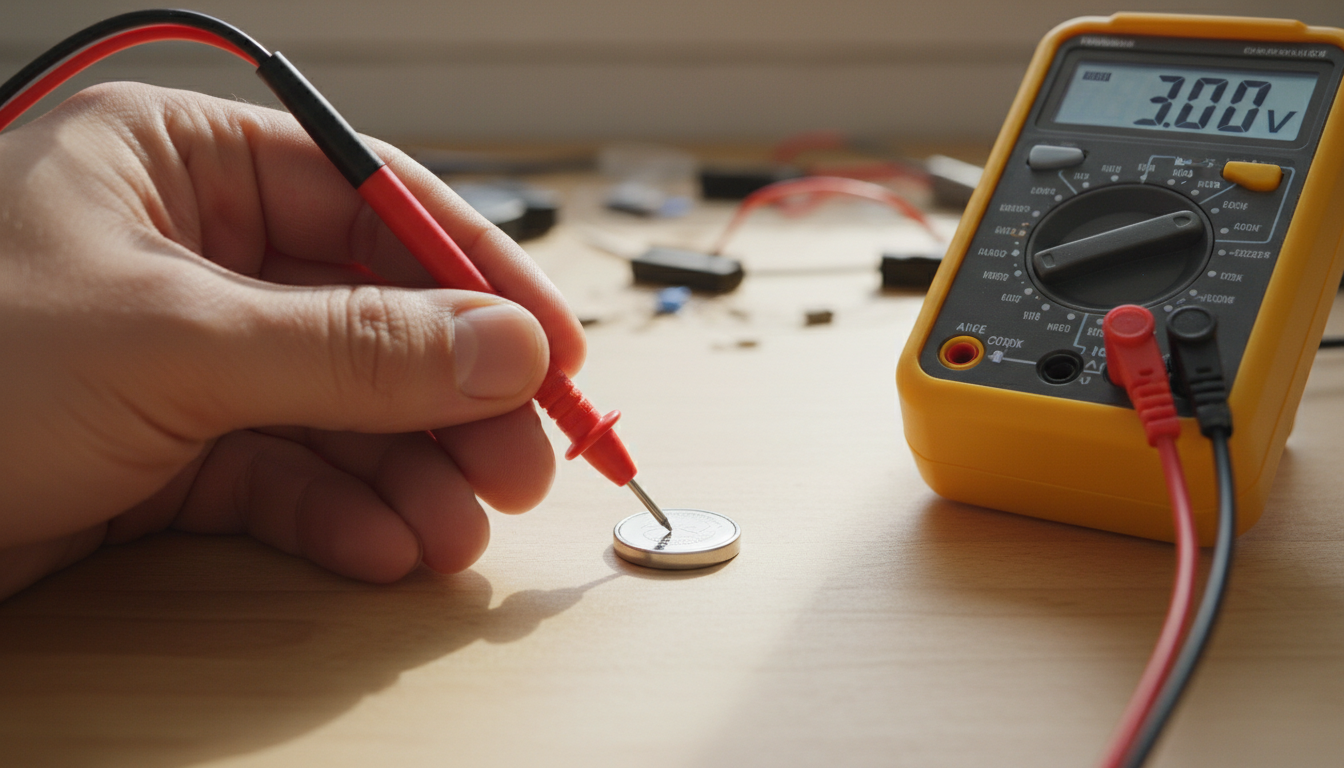
You can test the battery with a multimeter. A fully charged CR2032 should read close to 3 volts, and if it reads below 2.8V, it's time for replacement. Most people don't bother testing—if you're getting the symptoms above, just swap it out.
Replacing a CMOS battery is straightforward. You'll need a screwdriver, a new CMOS battery (typically CR2032), and an anti-static wrist strap (recommended). Power down your computer, unplug it, open the case, find the battery on the motherboard, pop out the old one, and snap in the new one.
Conclusion
The best coin cell battery for your computer is a CR2032 from a trusted brand like Duracell, Energizer, or Panasonic. Don't waste money on cheap off-brand batteries—they fail sooner and might leak on your expensive motherboard.
Your CMOS battery typically lasts 3-7 years depending on usage and temperature. Watch for signs like incorrect date/time, BIOS errors, or boot problems. When you see these symptoms, replace the battery right away.
Buy the exact battery model your motherboard uses (almost always CR2032), grab it from a reputable retailer, and keep a spare on hand. These batteries cost a few bucks but save you from hours of troubleshooting weird computer behavior.
FAQs
Can I use any brand of CR2032 battery in my computer?
Technically yes, but quality varies dramatically between brands. Stick with well-known manufacturers like Duracell, Energizer, or Panasonic. Cheap off-brand batteries often have lower actual capacity than advertised and may fail within a year. Some counterfeit batteries sold online are repackaged low-quality cells in fake brand packaging. Buy from reputable retailers to avoid getting scammed.
Will my computer work without a CMOS battery?
Yes, your computer will run, but you'll lose BIOS settings and date/time information every time you unplug it. You'll need to reconfigure BIOS settings on every startup, set the correct date and time manually, and may see error messages during boot. Your operating system will load, but dealing with reset settings gets annoying fast. Just replace the battery—it costs less than $5.
How do I know if my computer needs a CR2032 or CR2025?
Open your computer case and look at the battery currently installed on the motherboard. The model number is printed right on the battery. CR2032 is by far the most common in desktop computers. If you can't open your case, check your motherboard manual. Both batteries are 3V and have the same diameter, but the CR2032 is thicker and lasts longer.
Can I replace my computer's CMOS battery while it's running?
No, never do this. Always shut down your computer completely, unplug the power cable, and press the power button for 10-15 seconds to discharge residual power. Swapping the battery while the system is on or even in standby can corrupt BIOS settings or damage the motherboard. The whole process takes less than 10 minutes when done properly.
Do rechargeable coin cell batteries work in computers?
Most CMOS battery holders are designed for non-rechargeable lithium batteries. Rechargeable coin cells have different voltage outputs (typically 3.6V instead of 3V) and different capacity characteristics. Your motherboard isn't designed to charge them, and using the wrong type could cause problems. Stick with standard non-rechargeable CR2032 batteries designed for CMOS applications.

